

You shut your laptop after a grueling eight-hour workday, lean back in your chair, and realize your laptop screen, tangled charging cords, and stacks of printer paper are staring back at you from the corner of your living room.
You attempt to relax on the couch for the evening, but your eyes keep darting back to your workstation. The boundaries between your professional demands and your personal sanctuary have completely dissolved, turning your home into a 24/7 corporate cubicle. You take a breath, look around your space, and ask yourself: How do I build a comfortable, fully functional workstation without letting work equipment consume my living room?
Here is the truth about modern interior planning: learning how to hide a home office in a small space isn't about compromising your daily productivity—it is about mastering spatial camouflage.
A home workspace causes mental fatigue when glowing computer monitors dominate your visual sightlines, cable nests drag down your decor, and paperwork overflows onto dining tables. By utilizing underused alcoves, installing custom built-in cabinet doors, and employing smart cable management systems, you can create a high-performance workstation that vanishes the second your workday ends. For a deeper approach to carving work zones inside shared living areas, see our zoning tactics for blending a workstation into a lounge footprint.
Whether you are configuring a compact apartment nook or converting a spare hall closet, here is how to plan, conceal, and organize your hidden home office step by step.
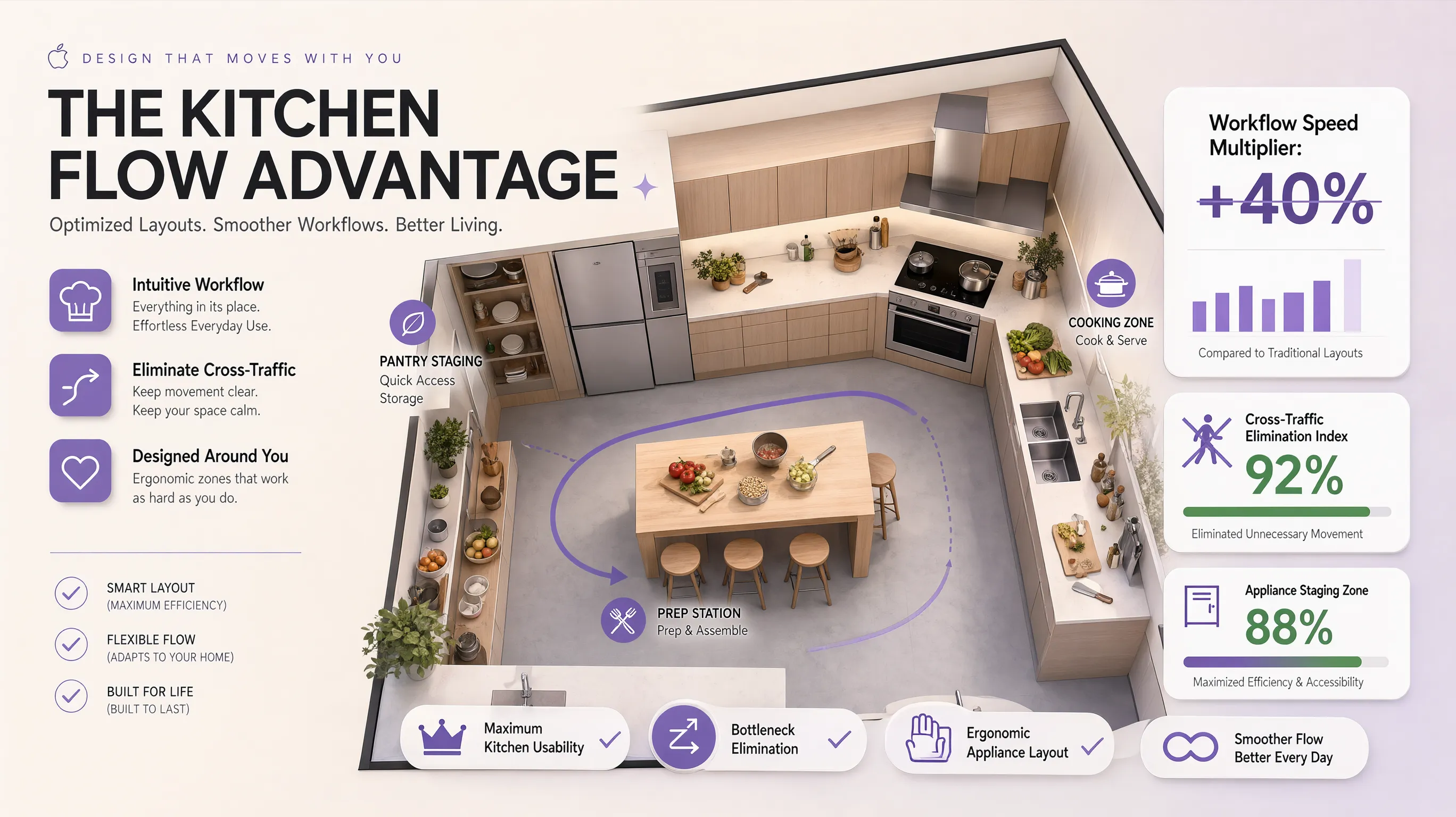
1. How to Hide a Home Office in a Small Space Without Losing Functionality
Before purchasing folding furniture or clearing out storage cabinets, step back and examine how your living area functions throughout the day.
Most home offices fail to blend into compact spaces because homeowners treat them as permanent architectural fixtures rather than flexible, convertible workstations.
Cable Clutter
Monitor Glow
= Constant Work Stress
Integrated Task Lighting
Hideaway Storage
= Seamless Home Relief
To execute a successful hidden home office transformation, anchor your design around these three foundational rules:
- Establish Hard Sightline Boundaries: Ensure that when your workspace is closed, no computer monitors, power strips, or paper stacks remain visible from your primary living or sleeping zones.
- Protect Ergonomic Working Clearance: Never sacrifice typing height, monitor distance, or legroom just to fit a desk inside a cabinet.
- Decouple Storage from Workspace: Utilize surrounding vertical wall space for office supplies so your primary desk surface stays 100% clear for active work.
Explore our comprehensive strategies for multi-function workspace design for rooms pulling double duty to optimize your room's footprint without structural demolition.
2. Find Unused Spaces That Can Hold a Hidden Workstation
You don't need a dedicated spare bedroom to build a high-performance home office. In fact, most homes contain hidden pockets of underutilized space that are ripe for a discreet workstation conversion.
Pinpointing these overlooked architectural areas allows you to reclaim square footage without overcrowding your main furniture layout.
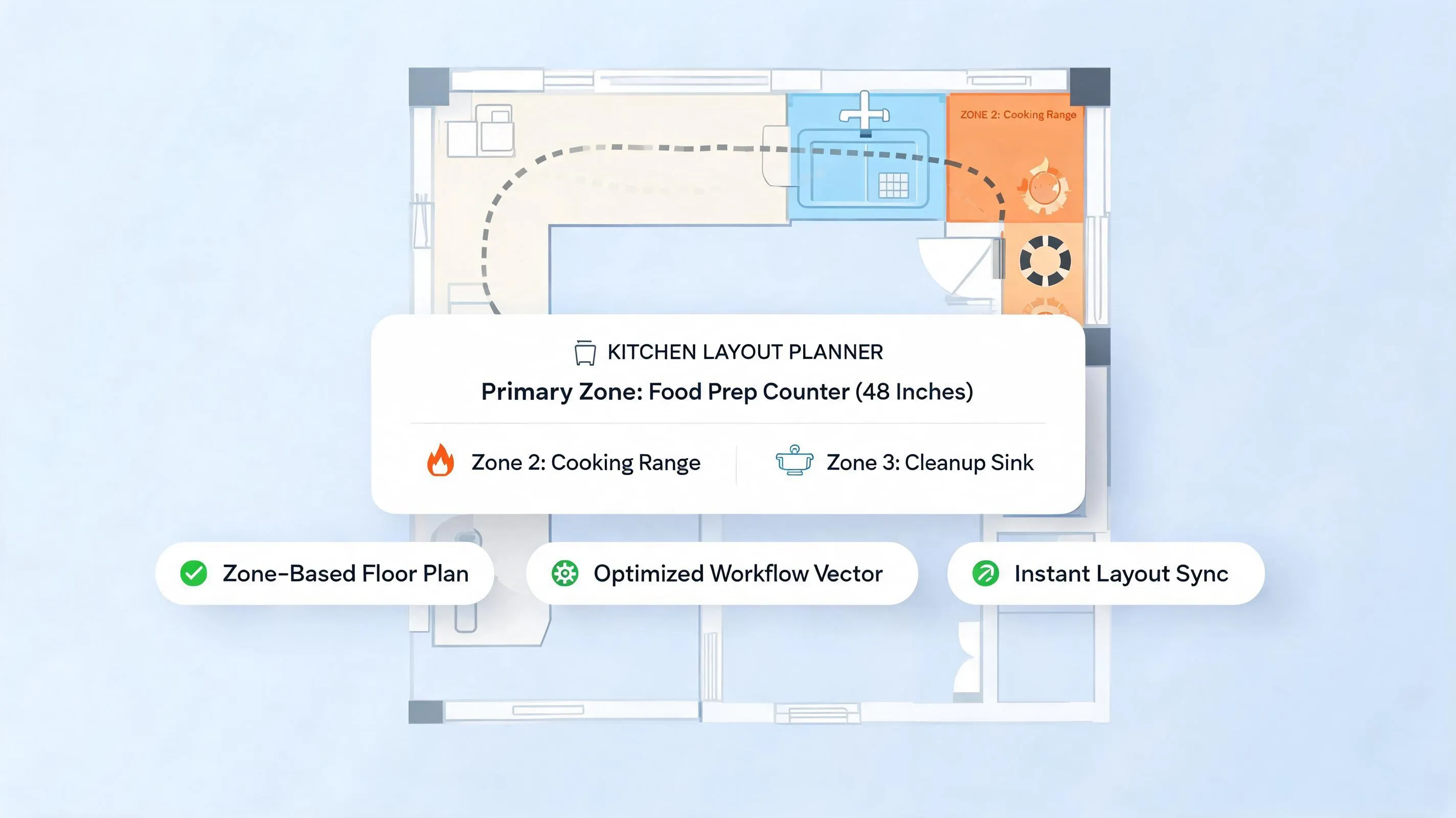
Run a quick 3-point spatial diagnostic across your home to identify candidate zones for a small space home office:
- Audit recessed wall niches: Do you have an awkward structural alcove beside a chimney breast or hallway that currently sits empty?
- Examine storage closets: Is there a shallow coat closet near your living room holding items that could easily be relocated to under-bed bins?
- Evaluate dead floor zones: Is there an unused corner in your dining area that could accommodate a slender hidden office space ideas cabinet?
If you need to carve a workspace inside a sleeping area, see our bedroom workspace tactics for hiding work gear from your pillow sightline.
3. Turn a Closet Into a Home Office You Can Close Away
Converting an unused closet into a dedicated workstation—often called a "cloffice"—is one of the most effective ways to build an office in a closet.
Closets offer built-in structural side walls and overhead depth, allowing you to install full-depth work surfaces and vertical shelving that disappear behind standard doors.
[ Floor] ===> Stacked Shoe Boxes
(Wasted vertical depth)
[ Eye Level ] ===> Floating Desk & Monitor
[ Base Zone ] ===> Concealed Cable Trays
(Completely hidden behind bi-fold doors)
Closet office conversion steps:
- Remove Existing Closet Rods: Strip out low hanging rods and patch drywall to maximize vertical wall height for adjustable shelving.
- Install a Heavy-Duty Floating Desk: Mount a solid 1.5-inch thick hardwood or laminate desktop at a standard typing height of 28 to 30 inches off the floorboards.
- Upgrade to Bi-Fold or Pocket Doors: Swap standard inward-swinging closet doors for space-saving bi-fold doors or sliding pocket doors that slide flush against exterior walls when open.
If your closet is inside a bedroom, read our compact bedroom layout rules for fitting workstations into tight sleeping footprints.
4. Install a Fold-Down Desk That Disappears After Work
If you lack a dedicated closet or recessed wall niche, a wall-mounted fold-down desk delivers an instant, temporary work surface that folds flat against the wall the moment your shift ends.
Utilizing a wall-mounted folding desk is perfect for multi-functional living rooms, guest bedrooms, or dining spaces where floor area must remain completely open after hours.
Design guidelines for a hidden desk:
- Verify Wall Stud Anchoring: Always anchor heavy-duty folding wall brackets directly into solid timber wall studs using heavy lag screws. Never rely solely on drywall anchors for a working desk.
- Incorporate Hydraulic Struts: Choose drop-down desk mechanisms fitted with soft-close hydraulic struts or gas springs to prevent the desktop from slamming open or dropping abruptly.
- Use a Folding Ergonomic Task Chair: Pair your fold-away desk with a high-end ergonomic chair that folds flat and slips neatly under a bed or inside a closet when work is done.
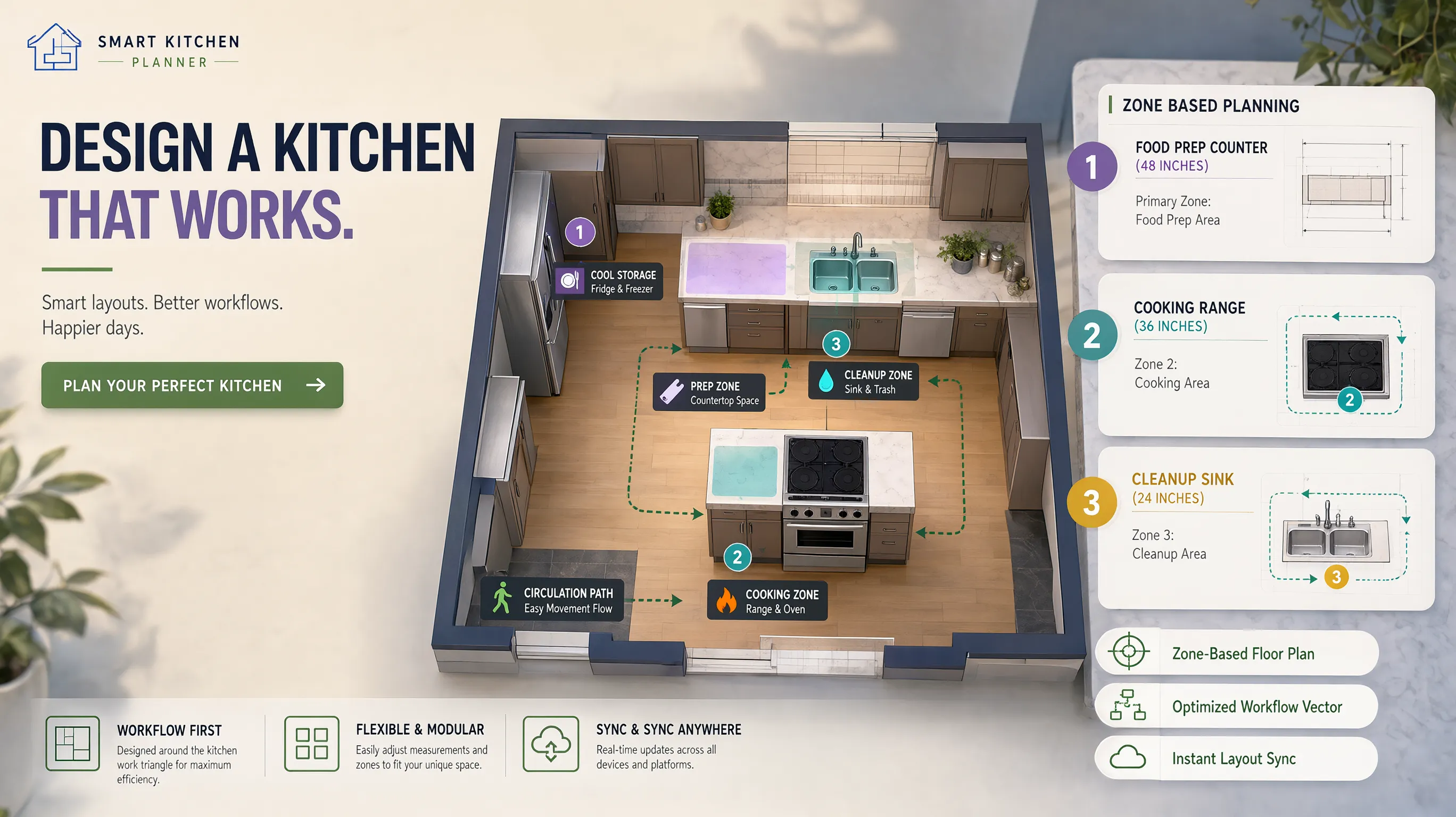
Planning a renovation? Map your exact room dimensions first.
Input your plot size or upload an existing blueprint sketch to generate a clean, editable 2D & 3D floorplan in seconds.
5. Choose a Cabinet or Armoire That Conceals Your Entire Workspace
If you want a mobile, all-in-one solution that requires zero drywall modification, a specialized hidden office cabinet or armoire is the ultimate investment.
When closed, an office armoire looks like an elegant piece of living room furniture, such as a bar cabinet or credenza. When opened, it reveals a fully equipped computer desk, monitor mount, and printer slide-out tray.
| [ Elegant Wood Armoire ] |
| Beautiful brass door handles |
| Conceals all work equipment |
+-------------------------------+
(Blends seamlessly into decor)
| [ Monitor ] [ Supplies ] |
| [ Pull-Out Laptop Shelf ] |
| [ Slide-Out Printer Tray ] |
+-----------------------------+
(Full-service working desk)
Selecting a cabinet home office:
- Look for 270-Degree Door Hinges: Choose armoires fitted with specialized piano or pocket door hinges that allow cabinet doors to fold back completely flat against the sides, keeping side sightlines open.
- Ensure Integrated Keyboard Trays: Select cabinets equipped with heavy-duty ball-bearing pull-out trays to hold your keyboard and mouse at an ergonomically correct typing height.
- Select Durable Hardwood Construction: Ensure the armoire structure is crafted from solid hardwood or high-density engineered wood to withstand daily door openings and heavy hardware weights.
For a broader look at blending office furniture into shared spaces, see our home office design framework for productivity and visual harmony.
6. Build a Hidden Desk Into a Wall or Built-In Storage Unit
Integrating a desk into custom living room cabinetry or a wall-to-wall library unit creates a seamless, high-end architectural finish.
A built-in home office allows you to conceal a recessed desk behind custom cabinet doors that match your surrounding bookcases and media units perfectly.
Implementation strategies for a hidden built-in desk:
- Use Pocket Door Hardware: Install architectural pocket door slides that allow cabinet doors to open and slide back inward alongside the desk sides, preserving open walking space around your chair.
- Match Surrounding Trim and Paint: Paint your office cabinet doors the exact same shade and sheen as your room's baseboards, wall paneling, or media cabinetry for absolute visual continuity.
- Incorporate Under-Shelf Task Lighting: Install recessed LED tape lighting beneath built-in upper shelving to flood your working surface with shadow-free light.
For clearing visual clutter across the entire living room, see our surface-clearing tactics for visually noisy living rooms.
7. Hide Monitors, Printers, and Office Equipment When Not in Use
A hidden desk is only half the battle. If your bulky 27-inch computer monitor, heavy laser printer, and paper shredder remain exposed on surrounding shelves, your room still feels like an office.
Concealing equipment requires smart internal cabinet planning and specialized hardware to hide computer desk components completely.
  [ Equipment Layer 1: Computer Monitor ] ===> Mount on an adjustable articulated wall arm inside cabinet
                                                     |
  [ Equipment Layer 2: Heavy Printer    ] ===> Place on a heavy-duty 100 lb capacity pull-out drawer slide
                                                     |
  [ Equipment Layer 3: Charging Station ] ===> Build a recessed power strip drawer for phones & tablets
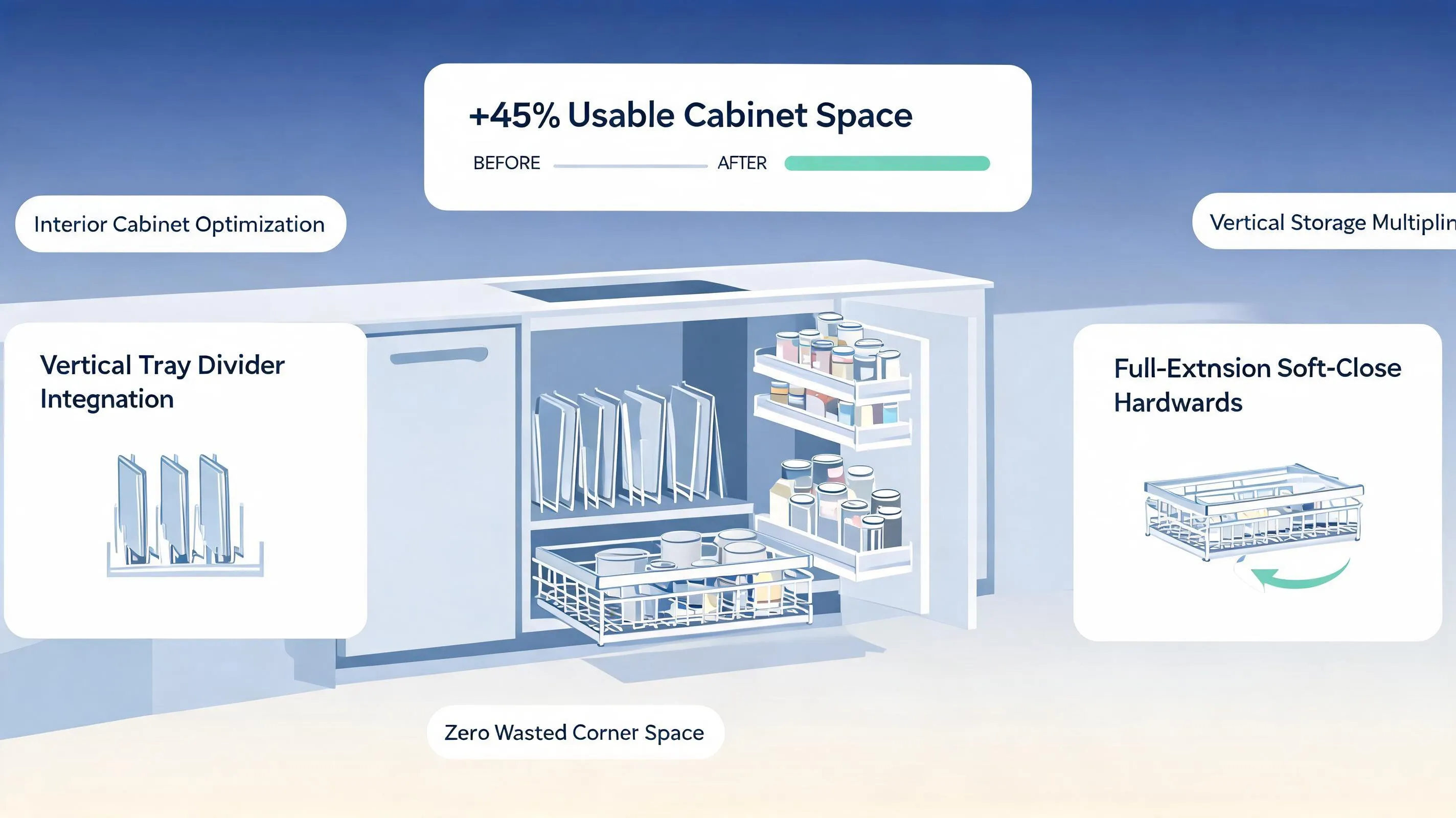
Equipment concealment tactics:
- Install Articulating Monitor Arms: Mount your computer monitor on an adjustable VESA wall arm inside your cabinet alcove. Pushing the monitor flat against the back wall allows cabinet doors to close flush.
- Place Printers on Pull-Out Trays: Store heavy printers inside lower cabinet bays on 100-lb rated full-extension drawer slides, allowing you to glide the printer out during printing and slide it away out of sight.
- Conceal CPU Towers in Vented Bays: Hide desktop computer towers inside lower cabinet compartments fitted with rear ventilation cutouts and quiet USB cooling fans to prevent equipment overheating.
8. Organize Cables, Chargers, and Paperwork Inside a Hidden Office
Nothing ruins a beautiful, minimal workspace faster than a chaotic web of black power cords, dangling surge protectors, and piles of loose paper.
Executing effective hidden desk cable management ensures your workstation remains streamlined, organized, and ready to hide away in seconds.
Cable and document management rules:
- Drill Grommet Holes with Cable Caps: Use a 2-inch hole saw to drill neat cord grommet holes in the back corners of your wooden desktop, passing cords down into lower cable trays out of sight.
- Mount Power Strips Beneath the Desk: Screw a multi-outlet surge protector directly to the underside of your desktop so only a single main power cable exits the cabinet to the wall outlet.
- Utilize Hanging File Drawers: Convert lower cabinet storage into hanging file drawers fitted with lateral suspension rails to keep client contracts and bills organized.
For point-of-use drawer principles, read our cabinet storage approach for keeping office supplies out of sight.
9. Make a Hidden Home Office Blend Into Your Existing Interior
The ultimate goal of a concealed home office design is making your workstation look like an intentional, stylish part of your home's interior architecture when closed.
Selecting appropriate hidden office furniture requires matching cabinet finishes, metal hardware, and decorative accents to your existing room aesthetic.
- Cold chrome office handles
- Fluorescent ceiling bulbs
- Brushed brass or matte black hardware
- Warm 2700K recessed LED task strips
Design integration guidelines for home office decor:
- Coordinate Hardware Pulls: Use the exact same cabinet handles, knobs, or hinges on your office cabinet doors as you do on surrounding living room credenzas or kitchen millwork.
- Disguise Work Surfaces with Decor: When your desk is open, style upper shelves with decorative books, ceramic vases, and framed artwork alongside your work equipment so the space feels welcoming.
- Match Wood Grain Undertones: Ensure wood stains on secretary desks or built-in cabinets share the same warm or cool undertones as your existing hardwood floorboards or dining furniture.
For matching furniture finishes to your floor plan, see our furniture selection guide for cohesive interior finishes.
10. Use Sliding Doors, Curtains, and Screens to Conceal Your Workspace
If you are renting your home or want a flexible visual barrier without installing permanent built-in cabinetry, lightweight room dividers offer an affordable, non-structural solution.
Utilizing a hidden office room divider allows you to instantly hide a workspace in a bedroom, living room, or studio apartment.
Partition selection tactics for a home office privacy screen:
- Install Ceiling-Mounted Curtain Tracks: Mount a heavy-duty aluminum curtain track to your ceiling joists and hang full-length, light-blocking linen drapes. Slide the curtains closed to instantly hide a wall desk setup.
- Choose 3-Panel Folding Screens: Position a tall, 6-foot-high 3-panel wooden or rattan folding screen behind your desk chair to block background clutter during video calls and hide the desk when work ends.
- Opt for Sliding Barn Door Panels: Install a top-mounted sliding barn door track across a wide wall alcove to slide solid wooden doors over your workspace smoothly.
For soft divider tactics that carve zones without drywall, see our folding screen and curtain playbook for defining zones without walls.
11. Plan Lighting, Ventilation, and Access Inside an Enclosed Workspace
A hidden office cabinet or closet may look stunning when closed, but if it lacks proper task lighting, fresh airflow, and comfortable legroom, working inside it will quickly cause fatigue and discomfort.
Prioritizing small office lighting and closet office ventilation ensures your concealed workspace is safe, cool, and comfortable for long working hours.
  [ Environmental Control 1: Task Lighting ] ===> 2700K-3000K CRI 90+ LED under-shelf light strip
                                                           |
  [ Environmental Control 2: Ventilation   ] ===> Silent USB cabinet cooling fan or louvered doors
                                                           |
  [ Environmental Control 3: Leg Clearance ] ===> Minimum 24" wide by 27" high clear knee space
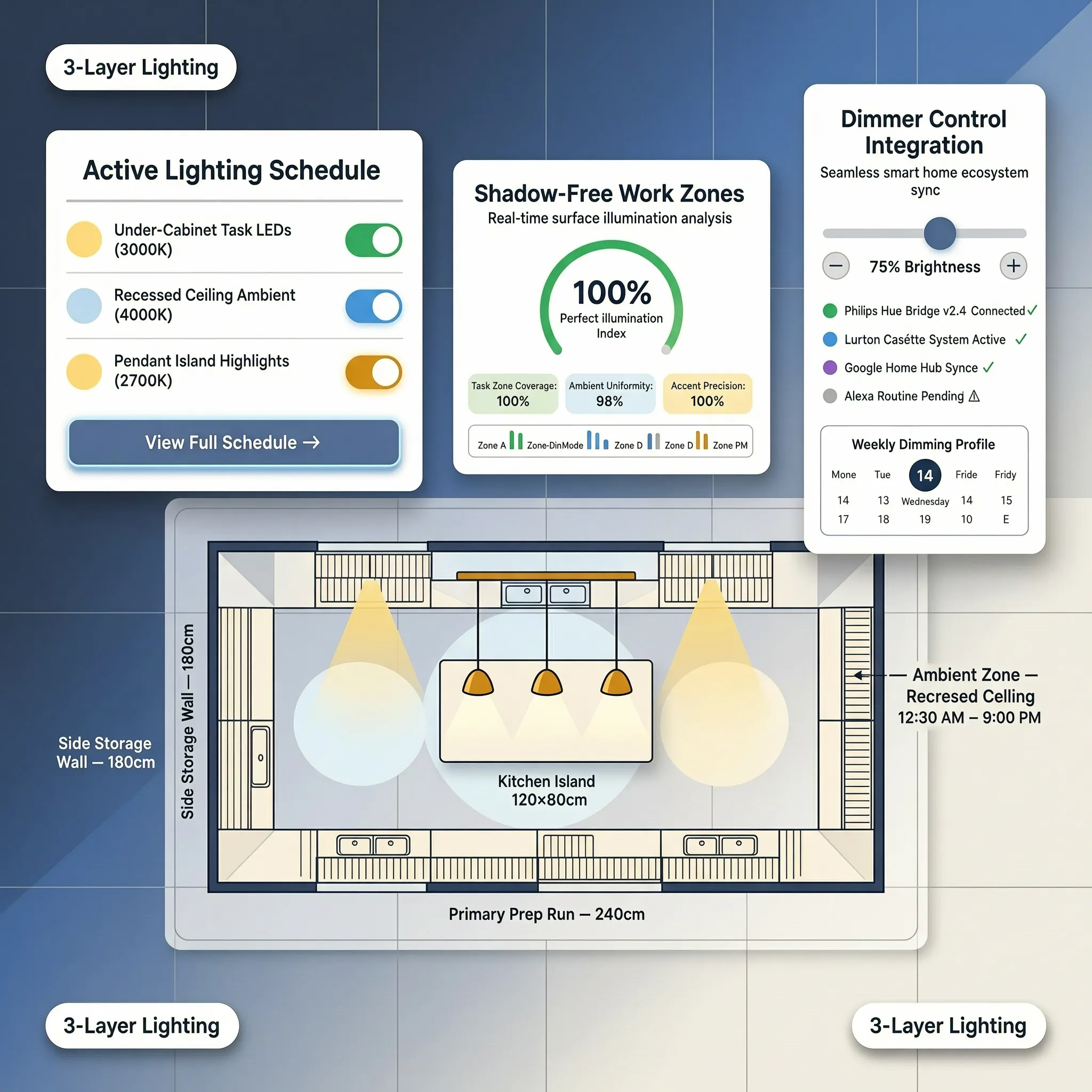
Environmental planning rules for a hidden office setup:
- Install Louvered Cabinet Doors: If housing computer towers, printers, or laptops inside closed cabinets, choose louvered doors or grill panels to allow continuous heat dissipation.
- Mount USB-Powered Cabinet Fans: Install quiet, low-decibel USB cooling fans in the rear panel of your office cabinet to exhaust warm air generated by monitors and power supplies.
- Verify Knee & Leg Clearance: Ensure your desk cutout provides at least 24 inches of width and 27 inches of vertical clearance beneath the desktop so your legs and desk chair move freely.
For a deeper framework on layered fixture placement, read our per-zone dimmable lighting approach for compact rooms. For official technical guidelines on residential space planning, electrical code compliance, and lighting standards, consult the International Code Council (ICC).
12. Design a Home Office That Disappears Completely at the End of the Day
Ready to build a high-performance, comfortable home office that vanishes completely the moment your workday ends?
Before buying desk hardware, ordering cabinet armoires, or clearing out closets, bring all your spatial measurements, electrical needs, and furniture choices together into a clear, actionable plan. To preview everything before committing, read our digital preview workflow for testing layouts before spending a dollar.
  [ Step 1: Audit Living Area & Identify Overlooked Closets or Nooks ]
                                 |
  [ Step 2: Establish Ergonomic 28"-30" Desktop Height & Leg Clearances ]
                                 |
  [ Step 3: Install Concealed Cable Raceways & Power Outlets ]
                                 |
  [ Step 4: Mount Articulating Monitor Arms & Pull-Out Printer Trays ]
                                 |
  [ Step 5: Execute Hidden Office Design with Total Confidence ]
The Ultimate Hidden Home Office Sign-Off Checklist:
- [ ] Validate Spatial Dimensions: Confirm 28 to 30-inch desktop height and at least 24 inches of clear knee width.
- [ ] Plan Equipment Concealment: Mount computer monitors on articulating arms and printers on 100-lb rated pull-out slides.
- [ ] Route Cable Management: Install under-desk J-channels, drill cord grommets, and mount surge protectors under the desktop.
- [ ] Layer Task Illumination: Install 2700K–3000K high-CRI LED under-shelf light strips on independent switches.
- [ ] Ensure Air Ventilation: Use louvered doors or install quiet USB exhaust fans to prevent equipment overheating.
- [ ] Match Interior Finishes: Coordinate cabinet paint, wood stains, and door hardware with your existing living room decor.
Step Into Your Seamless Home Sanctuary Today
You deserve a home that supports your professional success while preserving your personal peace and relaxation every single evening. Transforming an ordinary corner into a high-performance, completely concealed workstation doesn't require confusing architectural jargon or endless spatial guesswork.
By focusing on smart spatial placement, hidden cable management, integrated task lighting, and cohesive cabinet finishes, you can eliminate work-related stress and enjoy a beautiful, clutter-free home that transitions effortlessly at the end of every workday.
Map your dimensions, select your concealment strategy, and bring your complete hidden home office vision to life today!
External Resources & Industry Standards
To explore deeper technical insights into residential space planning, electrical code compliance, and lighting standards, consult these authoritative industry resources:
- National Kitchen & Bath Association (NKBA) – Official space planning guidelines, ergonomic clearances, and residential design standards.
- Illuminating Engineering Society (IES) – Technical lighting standards, glare prevention, and ergonomic task lighting metrics.
- International Code Council (ICC) – Residential building codes, electrical access regulations, and safety standards.
- Sustainable Furnishings Council (SFC) – Official guidelines for non-toxic finishes, low-VOC paints, and sustainable furniture.
Frequently Asked Questions About Hiding a Home Office in a Small Space
How can I make my home office disappear completely when I finish working for the day?
True camouflage relies on strict spatial boundaries and total physical concealment. Instead of leaving a computer setup exposed in your main living zone, build your workspace inside a shallow hall closet fitted with space-saving bi-fold doors, or utilize an armoire equipped with pocket door hinges that fold flat against the cabinet sides. When 5:00 PM arrives, closing the doors seals away glowing monitors, tangled cords, and paperwork, instantly restoring your living area into an inviting, clutter-free sanctuary.
What is the absolute best way to hide a computer monitor and printer in a small room?
Concealing bulky electronics requires heavy-duty internal cabinet hardware. Mount your computer monitor on an articulating VESA wall arm inside a cabinet recess, allowing you to push the screen flat against the back wall when shutting cabinet doors. For heavy laser printers and paper shredders, install 100-pound capacity full-extension drawer slides inside lower cabinet bays. This setup allows you to glide equipment out effortlessly during work hours and slide it completely out of sight the moment your workday ends.
Can I turn a shallow coat closet into a fully functional home office?
Absolutely. Transforming a shallow 24-to-36-inch deep storage closet—often called a "cloffice"—is one of the most efficient ways to build a hidden closet office. By stripping out low coat rods, mounting a solid 1.5-inch thick hardwood desktop at an ergonomic 28-to-30-inch typing height, and adding vertical under-shelf task lighting, you create a dedicated high-performance workstation that disappears behind standard doors without swallowing an inch of your room's floor space.
Will a fold-down desk actually hold my laptop and equipment securely?
Yes—provided it is anchored correctly into structural wall studs. Heavy-duty wall-mounted fold-down desk brackets fitted with soft-close gas springs offer rock-solid stability while supporting full laptop and monitor setups. A drop-leaf wall workstation extends outward during business hours to give you ample typing surface, then folds flat against your drywall to restore maximum walking space the second work is done.
How do I stop dangling cords and power strips from ruining my concealed office setup?
Mastering hidden desk cable management requires lifting all electrical hardware off your floorboards. Screw a metal J-channel raceway and a multi-outlet surge protector directly to the underside of your desktop so only a single master power cable exits the workspace. Drilling neat 2-inch grommet holes through the rear corners of your desk surface routes monitor and laptop cords straight down into concealed trays, keeping your sightlines completely clean.
How can I prevent an office cabinet from looking like an out-of-place corporate box in my living room?
Harmonize your cabinet finishes with your room's existing architectural millwork. Select a hidden office cabinet or secretary desk crafted from hardwoods that share the exact wood stain, paint color, and hardware finishes as your surrounding credenzas or bookcases. Using matching brushed brass or matte handles ensures your closed office cabinet reads as an intentional, elegant piece of residential furniture rather than a utility workstation.
What type of doors work best for closing off a hidden workspace in a narrow hallway or room?
Pocket doors and sliding bi-fold panels are superior for tight floor plans. Standard swing doors require up to 36 inches of clear arc space, blocking narrow hallways and hitting nearby furniture. Installing bi-fold doors or pocket door hardware allows panels to slide smoothly into wall recesses or fold flat alongside cabinet sides, keeping your movement corridors open while you work.
How do I keep a hidden closet office cool and comfortable during long working hours?
Maintaining fresh airflow inside enclosed workspaces relies on proper ventilation design and low-heat task lighting. Install louvered cabinet doors or decorative metal grill inserts to allow continuous passive heat dissipation. Mounting quiet, USB-powered exhaust fans in the rear panel of your cabinet actively pulls out warm air generated by monitors and computer towers, while low-voltage 2700K LED light strips illuminate your work deck without emitting excessive heat.
Can I create a hidden workspace in a rental home without drilling into structural walls?
Yes. If you cannot modify drywall or install built-in cabinetry, use freestanding furniture concealment strategies. Position a high-backed secretary desk with closing cabinet doors along a main wall, or place a tall 3-panel woven rattan folding screen around a compact writing desk. A decorative room divider shields your computer screen from view, blocks background clutter on video calls, and requires zero wall drilling or permanent installation.
How do I maximize storage for files and office supplies inside a shallow desk alcove?
Utilize your vertical wall height and internal door real estate. Install adjustable floating shelves above your monitor deck to store active reference materials and linen storage boxes. Mounting slim wire baskets or storage caddies onto the inside of lower cabinet doors creates high-value storage for charging cables, notebooks, and pens, keeping your primary desktop surface 100% clear for active work.
How can I ensure my hidden workspace is ergonomically comfortable for long focus sessions?
Never sacrifice body posture for concealment. Ensure your desktop sits between 28 and 30 inches off the floorboards, leaving at least 24 inches of width and 27 inches of vertical knee clearance beneath the desk frame. Pair your workstation with a mid-back ergonomic chair that provides essential lumbar support during focus hours, yet slides neatly into your closet or cabinet bay when it's time to close up shop.
How can I test different hidden office layouts before buying furniture or drilling into my walls?
Eliminate layout guesswork by visualizing your spatial clearances, door swing arcs, and cabinet proportions before committing to a single drill hole or furniture purchase. Testing your fixture placements, desk depths, and chair arcs in advance ensures every piece fits your room with absolute spatial precision.


